Can you recommend a hosting company?

Fascination Design offers managed hosting plans as outlined on our hosting page. Please talk to us before making a purchase as there are some additional technical benefits to using Fascination Design for hosting that are not listed. We’re not pushy about this, we just want to make sure you make an informed decision and also that you get hosting that will work for your needs.

If you desperately want to manage your own hosting however (or if you are working on a project with another designer/developer), our typical recommendations for small businesses include:

  • Verve Hosting: BEST for shared hosting aka small sites. Verve Hosting is actually a reseller for softlayer. Softlayer only does large accounts but it means that this reseller has a good quality server. Email support is better than phone support with Verve but they WILL take good care of you (though they will NOT build your website for you):
    https://cms.vervehosting.com/aff.php?aff=077
  • Liquidweb: BEST for VPS and Reseller:


These first two I’ve worked with closely in the past and they offer stellar customer support, uptime and more.


Tools for researching:


Several more good shared hosting options (not researched for VPS):


Others worth mentioning:
• https://www.softlayer.com Really heavy duty managed servers
• http://www.site5.com not their shared hosting but their higher level plans
• http://www.rapidvps.com/Cpanel-Shared-Hosting be sure to get a unique IP address with this one since their main IP is listed with spamhaus.
http://www.lunarpages.com/id/FascinationDesign [affiliate link] the research I did on this one they look decent. One recommendation from someone I know who liked them and one person said they didn’t (but wouldn’t go into detail which is why I’m still posting the affiliate link.)

These are affiliate links and Fascination Design will make a small amount of money if you order from them. They were chosen for their merit however. List last updated December 31 2013.

If you’re a 501c3 (and have the paperwork to prove it) we do also work with hosting companies that offer free quality hosting.  Talk to us and we’ll get you pointed in the right direction.

See also: Why I no longer recommend Hostgator.
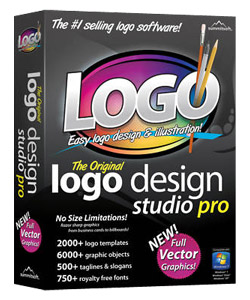
Why using “DIY logo software” isn’t always a good idea:

There are dozens of software suites on the market that advertise “make your own logos” but there are a couple of reasons you might want to rethink that, especially if you are looking to start a business that looks professional and is in it for the long haul.
Major downsides to using a logo software suite tend to be:

  • Lack of Originality: You’re basically working with clip art that’s customized some so your logo will be less original and unique to you. If other businesses decide to buy the software and use the same icon or graphic as you use then your brand will be less recognizable as your own.
  • Lack of Scalability: most software doesn’t offer output in a vector format. If the logo isn’t vector it will pixelize or look fuzzy when scaled up for a sign, truck or billboard. Some software IS vector these days.
  • The Human Factor: and the person operating said software still needs to have some eye for design to create something that looks good. Yes, some software may assist you in creating something better looking but there’s often the option for human error …. errr I mean bad choice in customizations to be made.

When you might want to use a logo software suite? Small event logos would be a good example such as for a church or small personal group. When you don’t want to invest too heavily in a logo for a one time event but might want something with a little more detail than simple clipart or maybe text that stays in the same place each time the graphic is used.

What’s the difference between an “update” and an “upgrade”?

Usually this is in reference to WordPress, Drupal or other software installation.

Updates are within a software version. For example we update WordPress from 3.0 to 3.1. What’s important is the first number remains the same. Updates are simpler tasks and are often done to patch security vulnerabilities.

Upgrades are more complex and often require more attention and testing. For example from Drupal 6.x to Drupal 7.x. What’s important is that the first number changes. Usually there are more major revisions between one version and the next and there may be a waiting period to upgrade if certain plugins are required. Upgrades tend to extend the capabilities of the underlying software, add features, and or operate faster.

I’m traveling out of the country and I can’t get to my website, e-mail, facebook or twitter!

First step, check http://www.downforeveryoneorjustme.com/ and make sure the site is online.

If the site is online, the internet connection or wifi you are using may have blocked the website. Or the website server may have blocked the country you are currently in to prevent spam, hacking or even as an agreement with that country. There are some options to try and get around this:

  1. Use a Personal VPN like hotspotsheild. This is the simplest option. I like to keep it on my computer because there’s no guarantee you can get to their site to download it while you are in another country. http://hotspotshield.com/
  2. Use and Onion Router like Tor. This option is more complicated to use but works well. https://www.torproject.org/download/download.html.en

Both options will slow down the websites you are trying to access so be patient.

If your planning a trip to the following countries, you should download the above before leaving the US: China, Cuba, Iran, North Korea, Saudi Arabia, Vietnam.

For a full and current list of countries with strict Internet Censorship, visit:
https://secure.wikimedia.org/wikipedia/en/wiki/Internet_censorship#Around_the_world

What is social networking?

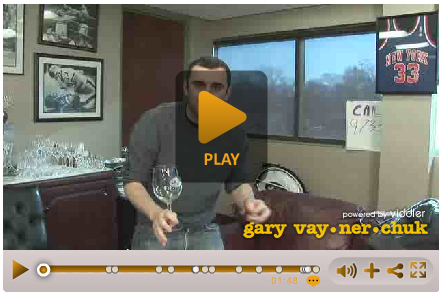
One of my favorite videos that simplifies how to think about social networking. It’s not stalking, it’s a handshake.

Gary Vaynerchuck is the owner of Wine Library and is a huge Jets fan (in case those comments are confusing.) He’s also a New York Times bestselling author.

http://www.viddler.com/player/ace53226/

My facebook account is posting odd messages or I think it was hijacked – now what?

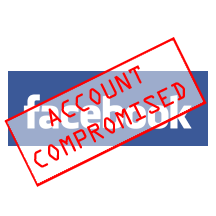
facebook acct compromised

facebook acct compromisedYour facebook account can be hijacked by a malicious application or going to a website that isn’t facebook and entering your password. If you have clicked on a link or added a facebook app you shouldn’t have, don’t panic yet!
I would recommend changing your password and following these instructions :
https://www.facebook.com/help/?page=1009

I would also suggest removing any facebook apps that you aren’t familiar with (or it’s a good time to clean house and remove apps you no longer use also if any.)

You can remove an application you have allowed from the Applications You Use page. To get to that page, follow these steps:
  1. Go to the Privacy Settings page from the “Account” drop-down menu located at the top of any page on Facebook.
  2. Click the “Edit your settings” link under the Applications and Websites section towards the bottom of the page.
  3. Click on the application you’d like to remove. If you don’t see the application listed, you can find it by clicking the Edit Settings button towards the top right-hand side of the page.
  4. You’ll then see an expanded view of your settings for that application. From here, you can click the “Remove application” link. Once you confirm you’d like to remove the application, it will no longer have access to your data and be removed from your profile, bookmarks, and your Applications and Games Dashboards.

What is the best program for minor photo editing?

When you want to crop a photo or remove red eye quickly, I would recommend trying the following software. Photoshop Express and Picasa are my top picks for most of your basic needs but I’ve included some additional options in case you’re looking for something a little more advanced.

Free options:

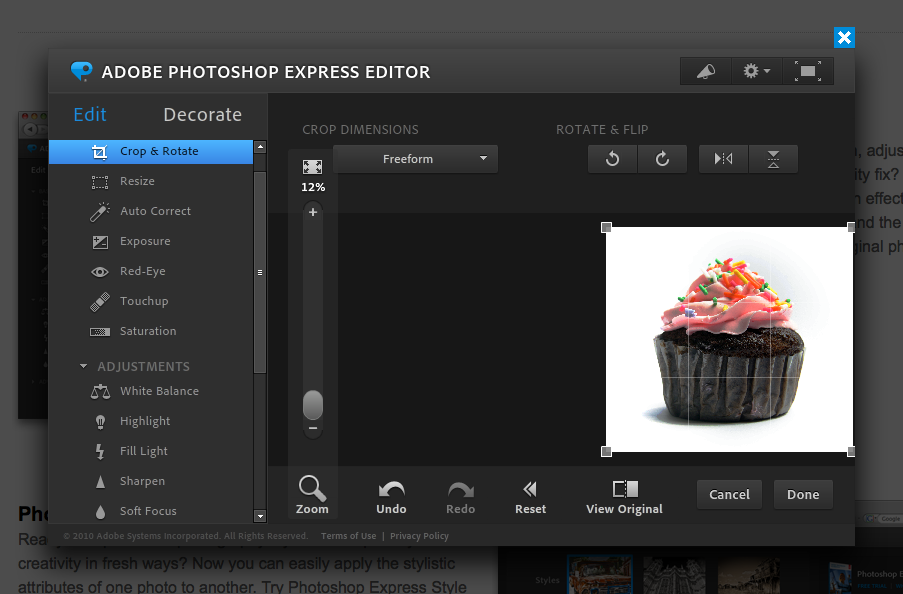
  • Photoshop Express Editor (Online): You can log in with an existing adobe.com account if you have one or create an account for free. The major con with with this one is that it’s online it can be a little slow (or if you’re on a slow internet connection it might be a problem.) This could also be a pro since you can use it from any computer, Mac or PC, as long as flash is installed. http://www.photoshop.com/tools

    Photoshop Express May 2011
    (click image for a larger view)
  • Pixlr: This is my top pick if I need to do some quick editing for the web when I’m not on my own computer. It’s fairly full featured and can accomplish more than Photoshop Express but less than the full version of Photoshop. It’s also online which is great if you don’t want to install anything but not so great if you have slow internet access. It may have too many features for someone who is not already familiar with Photoshop however: http://pixlr.com/editor/ 
  • Splashup: Another online photo editor with a lot of features similar to the Photoshop basics. http://splashup.com/ 
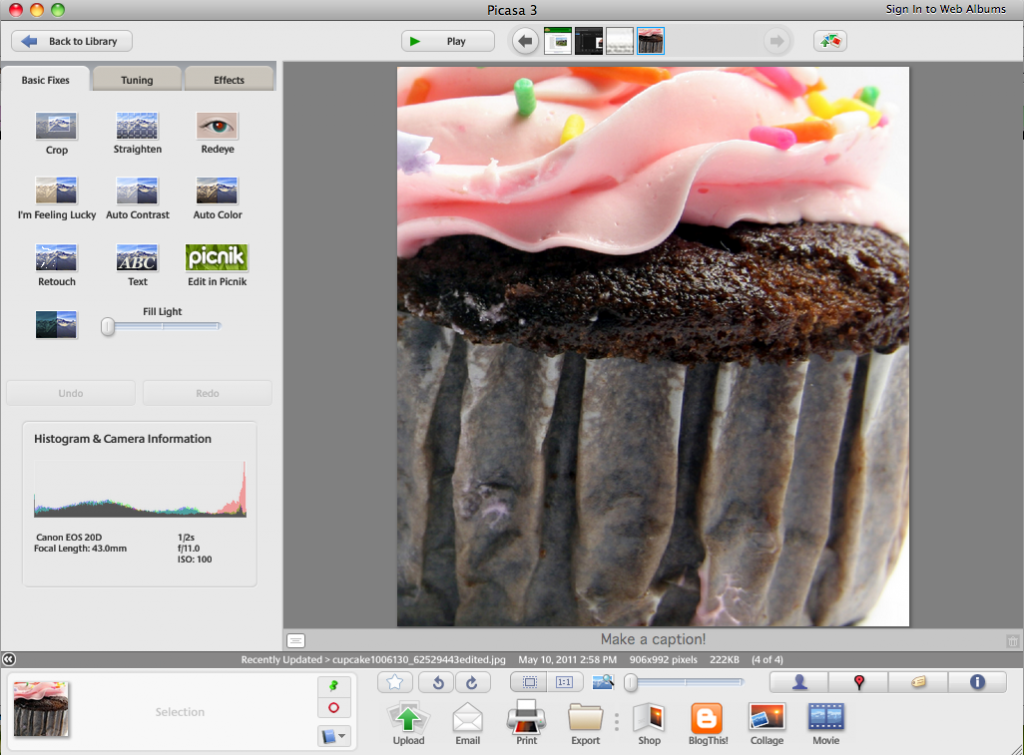
  • Picasa: Similar to Photoshop Express but not online based. Mac or PC  http://picasa.google.com/

    (click image for a larger view)
  • Windows Live Photo Gallery: Windows 7 & Vista only.
    http://explore.live.com/windows-live-photo-gallery
  • iPhoto: Mac only (part of ilife and may already be on your computer)
    http://www.apple.com/ilife/iphoto/
  • Gimp: this software is overkill for most of my readers. It is however has a lot of extra capabilities like the full version of Photoshop does but in an opensource program. It is not for the faint of heart.
    http://www.gimp.org/


Cheaper (than Photoshop) options: