Short Social Media Checklist:
Converse, Connect, Create

  1. CONVERSE: Social media is ideally a conversation.

    • Reply: reply to comments made to you. Drives me crazy when I post a question only to find out that the person never responds to anyone. You may not need to respond to all questions (see the definition of “trolls”) but don’t neglect responses completely.
  2. CONNECT: Review recent posts by people you are connected to. Set a time limit if you find yourself spending too long on this step.
    • Comment: Are there any posts that you can comment on? Answer questions? Ask questions? Say how cool something is?
    • Re-Share: Are there any posts that you think other people following would enjoy reading? Local events that need to be shared? Industry news?
    • “Like” / +1: Maybe someone has a great picture of a sunset or something else you enjoyed seeing but doesn’t really require a comment. Let them know you liked it by hitting that “like” (facebook) or +1 (Google+) button.
  3. CREATE:
    • What did you do today that’s interesting? (Don’t post about your cereal unless you work for a company that makes cereal please! If you REALLY don’t have anything interesting to say, it’s ok to go a day without posting!)
    • Do you have any events, milestones to share? Upcoming to announce or events you just wrapped up. Some goal you achieved?
    • Do you have a photo or flyer? Visuals often draw people’s attention.
    • What is special about this? Don’t just share what, share something that’s interesting and unique about it if you can.
    • Is there a WWWWWH? Who, What, When, Where, Why, How.
    • Is there a question you can ask? You want to engage people, remember, it’s a conversation.
If you don’t have time to do all of this, don’t panic. Just do something regularly – don’t over think it too much.
Disclaimer: We don’t want any political gaffs so when I say don’t over think it, if you think you would offend your mom or it needs to be a private post, don’t post it. Also if you wouldn’t say it to the person’s face, don’t say it.
I recommend focusing on positive “I like” instead of negative “I hate” posts and responses.
Also, if your business is larger you may need more tools and to focus on more like best times to post and scheduled announcements or reminders. This is just a checklist to help get you started.
Worth repeating: Social media is ideally a conversation.
Facebook Page “Cover” designs – branded social media

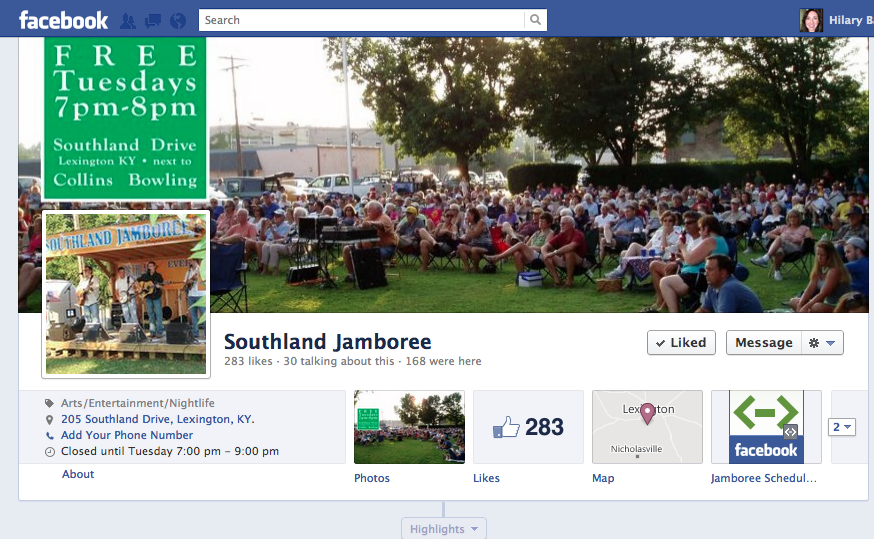
I just updated the Southland Jamboree page & was thinking I should mention that I design facebook “covers” for your facebook page that work well with their layout.

I can also make headers for Google+ and backgrounds that work well with Twitter in case you want a unified look across all of your social media outlets.

See:
https://www.facebook.com/SouthlandJamboree

Or my own:
https://www.facebook.com/hilary.baumann
https://plus.google.com/112754019546978412552/about
https://twitter.com/hbaumann


What do print books do better than ebooks?

  • Print does fixed layout better than ebooks. Yes, you can technically do a fixed layout ebook format but it’s pretty much only usable for ibooks. Most ebooks are a flowable style format (unless you do each page as an image which is not a good idea in most cases.) Ebooks are more like basic websites in this sense.
  • Print does resale better than ebooks. If you’re as a consumer you’re going to read something once and not reference it you’re still sometimes better off buying the physical copy so you can resell it when you’re done. Unless mass paperback with no resale value.
  • Print does sharing better than ebooks. Yes, there are ways to share with someone for a limited time but it’s not as simple as grabbing the book. Though it could be argued that ebooks do sharing easier than print because you have all of the books with you at any time and don’t have to go home to get one if you wanted to share it.
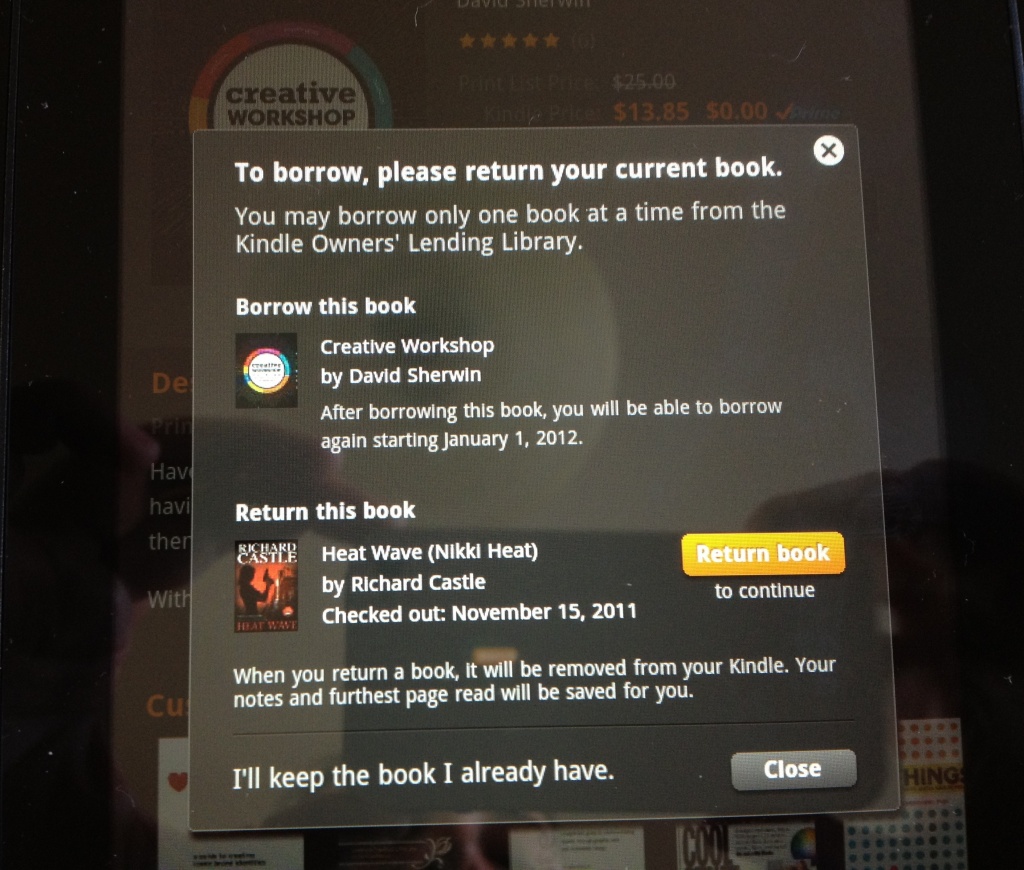
  • Print does libraries better than ebooks. My local library offers a small selection of ebooks, not as many titles as you can get in print AND their system logs me in and then tells me I don’t have an account when I go to download (like that makes sense. I should call and see if they can reset or delete my account and start over.) You don’t get that kind of glitch and barrier to entry with a physical book.
  • Print does the social coffee shop factor better. You see someone reading a great book at a coffee shop and are able to start a conversation from it because you can see the book cover. It’s arder to start a conversation with someone when you don’t know what they’re reading on an ereader. But this is also a perk for some who either want to be left alone OR would like to read a trashy romance novel without trying to hide the cover.
  • Print does not have glare or batteries. I like my kindle fire but there’s glare when trying to read outside. E-ink is fine outside but you have the same glare problem with an ipad or a nook. All have batteries. What if there’s an ice storm and your power is out for a week? What if you’re going camping? Battery life is less of a worry on some devices over others.

That said I’m reading and buying more and more ebooks. I really like it for reference as well as the portability and always with me factor.

I however still buy most of my design / layout books in physical format because most do a horrible job of converting to ebooks (some do not even seem to understand resolution and put key images at a low enough resolution that they are unusable.

Scammers & Internet Fraud :
educate yourself

A couple of nice references when your gut makes you think you might be dealing with a potential scammer.

Educate yourself:
http://en.wikipedia.org/wiki/Internet_fraud
http://www.craigslist.org/about/scams
http://www.snopes.com/

Prompted by a client that I think might have a “potential customer” who may be trying to pull the reshipping scam:
http://en.wikipedia.org/wiki/Internet_fraud#Re-shippers

Drawbacks to each type of payment:

  • Checks : bounced If you decide to accept this method of payment and are uneasy about the customer, require a waiting period to match your bank’s cleared check policy. Typically 7 days. Your bank will probably also charge you a bounced check fee between $20-$40 if this happens.
  • Money Order or Cashiers Check: Fakes Like checks, Money Orders and Cashiers Checks may appear to have cleared with the bank only to come back and bite you.
  • Credit Card or Paypal: Chargebacks Someone is paying with a credit card, that isn’t fool proof either, the buyer can do a chargeback: http://en.wikipedia.org/wiki/Chargeback
  • Cash: Counterfeit You can get a Counterfeit money pen for around $4 or take the money to the bank for confirmation: http://www.staples.com/Dri-Mark-Counterfeit-Money-Detector-Pen/product_450130

Consumer reports has a more thorough run down of each type of payment and some additional options for accepting payment that might be useful: http://www.consumerreports.org/cro/money/consumer-protection/counterfeit-currency-and-checks/overview/index.htm

Red flags can include:

  • Unusual or unusually large order
  • Out of country shipping
  • gmail address (or yahoo or aol … anything easy to sign up for)
  • business address is an apartment or house or PO Box
  • when searching online for the person’s name and/or business name, nothing comes up
  • Asking you to take payment for more than your invoice and then pay another company / shipper for something (this one is more than a flag.)
  • No BBB record, no Dunn and Bradstreet record, no record of the business registered in the city of their address

Most of these alone do not mean that the business is not legitimate but the more red flags you have, the more cautious you should be.


There are times when you just have to pass on the business if it’s not worth the risk and there are too many red flags.

Facebook cover photos

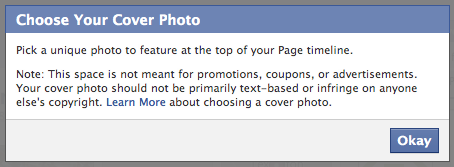
Since they seem to only show you this notice once instead of giving you a reminder the next time you go to change out the cover photo on facebook, I thought I would post the screenshot here as a reminder:


Do you think that maybe they are trying to get people to advertise? 🙂

I also hope they are a bit loose on this or at least give warnings. What about a copywriter who wants to use a blown up bit of text artistically or a graphic designer who is going to include sample portfolio pieces (which is what I have done.) It only seems fair since photographers can basically show, guess what, their photographs.

Flixel iPhone App:
quick & easy cinemagraphs!

I am absolutely in love with this new iphone app called Flixel. It allows you to fairly quickly make animated gifs called Cinemagraphs. It’s a hair buggy still but not bad and it will work best on an iPhone 4 or 4s (I don’t think it will work on anything older than that at this point because it’s a bit memory intensive.)

Here are just a couple that I created today:

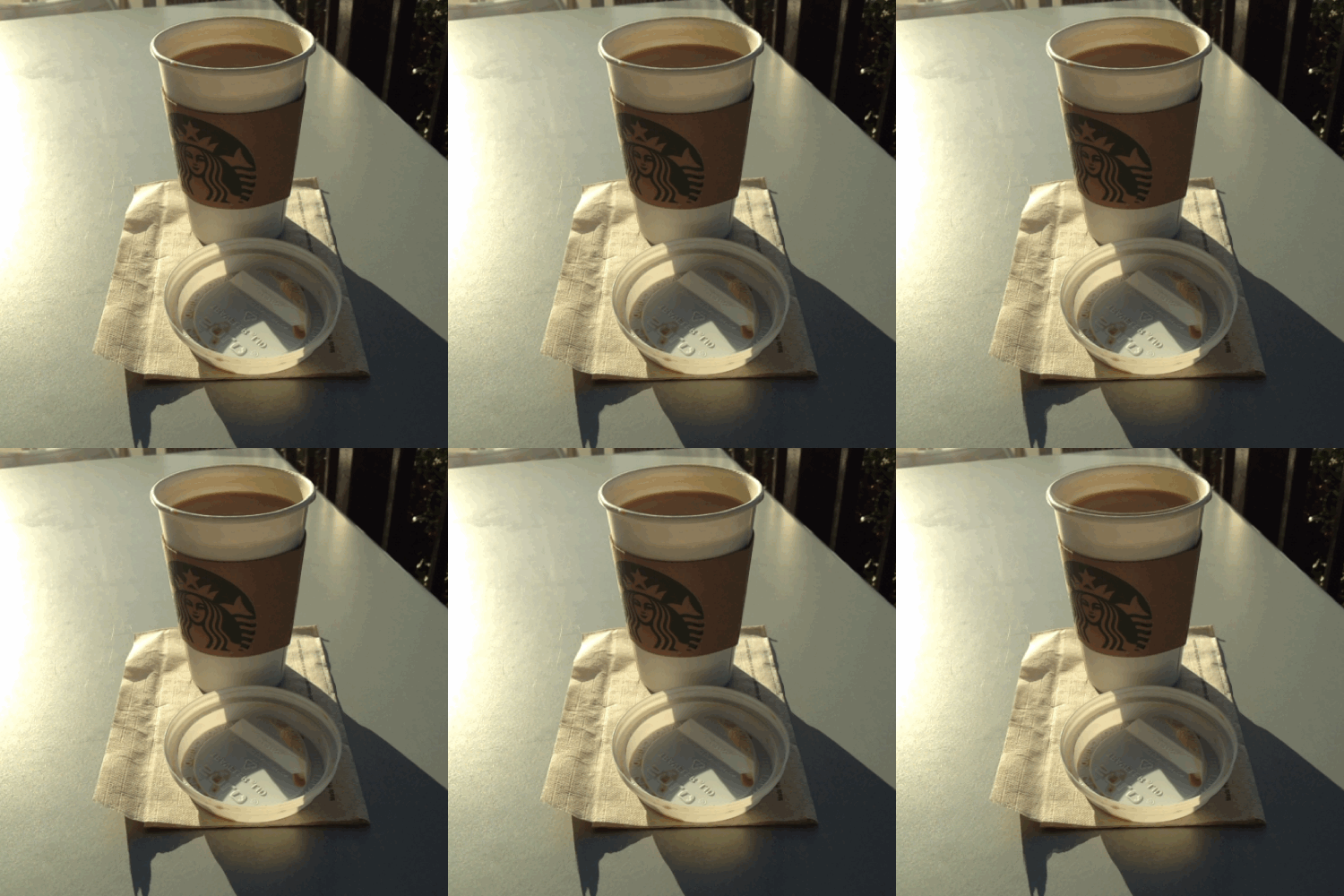
Starbucks “red eye” with cream

And “Tea Light” (get it? I have a cheesy sense of humor) 🙂